
Why some PDFs shrink and others don’t
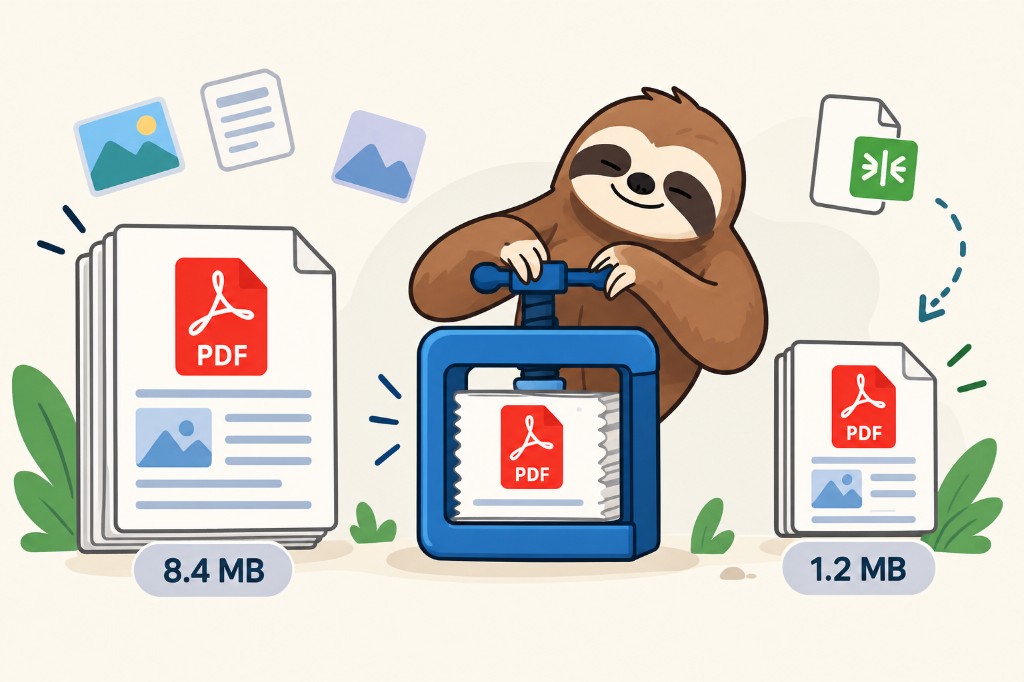
Two PDFs can show the same ten pages and still be wildly different sizes. One is a few hundred kilobytes. The other is 20 megabytes. The words match. The weight does not, because a PDF is a box, and the box can hold very different things.
Text is cheap. Pictures are not.
A page of real text is a set of characters plus a font. That is tiny. A whole contract can weigh less than a single vacation photo. Lines, logos, and charts drawn as shapes are small too: the file stores the instructions, and the screen draws them again later.
A photo is the opposite. It stores color for a grid of pixels. One sharp photo of a page, or a phone scan of a receipt, can be larger than fifty pages of typed text. If a PDF feels heavy, a picture is usually the reason.
Most pictures are already squeezed
Photos inside a PDF are often JPEGs. JPEG works by throwing away detail your eye is less likely to miss: subtle color, fine texture, quiet gradients. The first save already spent that budget.
Compressing that JPEG again has a hard limit. A gentler second pass may shave off a little. A harder pass makes the photo softer, then blocky, and the file still may not halve. The detail you wanted back was discarded the first time.
A scan is a photo of a page, even when the page is full of words. There is no real text in the file, only pixels that look like letters. Squeeze it and the letters blur along with the background.
Why a smaller copy sometimes never appears
If the file is mostly text, there is very little spare weight to remove. Asking for “half the size” asks the file to delete something it does not have.
If the pictures were saved carefully already, another pass can come out almost the same size. Repacking the box has a cost of its own. When the pictures barely shrink, that new packaging can leave the file the same size, or a hair larger.
Big savings show up when the pictures were saved generously: huge camera photos dropped onto a page, or a scan made at a much higher detail than anyone will read. Lower the detail of those pictures and the file drops. The words on a real text page stay sharp, because they were never a picture.